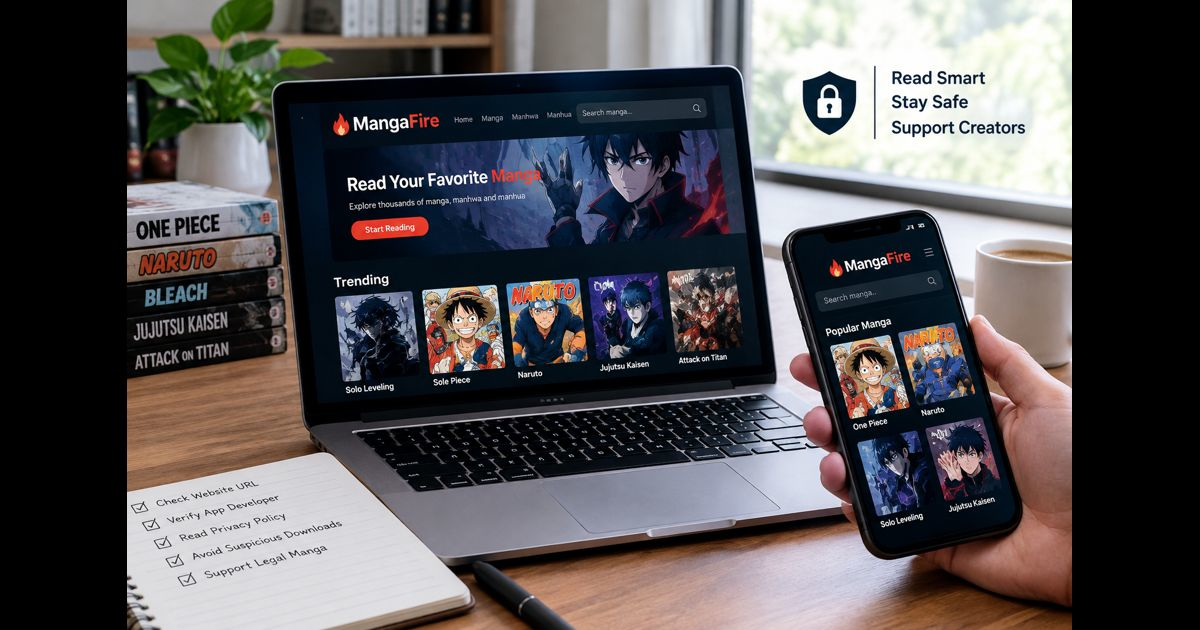
MangaFire is a name readers may encounter when looking for manga, manhwa, or manhua online. Because the name may appear in connection with both websites and mobile applications, readers should check the exact domain or app listing before creating an account, entering payment information, or opening a download.
This guide explains how to research MangaFire carefully, what readers should check before using an unfamiliar manga service, and how to protect copyright, personal information, and device security while exploring online manga resources.
What Is MangaFire?
MangaFire is associated with online manga discovery and reading searches. Depending on the result, readers may encounter a website or an app that presents manga-related browsing features.
The exact experience can vary between different services using the same or a similar name. One result may be a website, while another may be a mobile application developed by a separate operator. Readers should not assume that all MangaFire-branded pages or apps belong to the same company.
Manga, manhwa, and manhua are also different formats:
- Manga generally refers to Japanese comics.
- Manhwa usually refers to comics from South Korea.
- Manhua commonly refers to comics from China and other Chinese-language markets.
A service may mention more than one format, but its available titles, languages, translations, and access rules can change. The appearance of a title on a page does not automatically explain who published it, who translated it, or whether the service has permission to distribute it.
Why the Exact MangaFire Address Matters
A familiar name is not enough to identify a genuine website or application. Look carefully at the complete address, spelling, domain ending, and developer information before interacting with any MangaFire-related result.
Check the following details:
- The complete website domain in the browser address bar.
- Whether the app is listed in a recognised app store.
- The developer or publisher name shown on the app listing.
- The privacy policy and terms of use.
- The contact details provided by the operator.
- The permissions requested by a mobile application.
- Whether a download starts without a clear request.
- Whether the page redirects to unrelated websites.
Similar names do not automatically establish common ownership, affiliation, or endorsement. If a page claims to represent a publisher or official service, that claim should be confirmed through the publisher’s own website rather than accepted because of the wording used on the page.
Readers researching a MangaFire-related platform can also review this guide to safe manga reading and official access before creating an account or opening a download.
Website and App Results May Not Be the Same Service
Search results for MangaFire may include more than one type of product. A website and a mobile app can use the same name while having different operators, features, privacy policies, and content sources.
Before assuming that an app belongs to a particular website, compare:
- The developer name.
- The official website listed in the app description.
- The privacy policy URL.
- The support email or help page.
- The app’s update history.
- The requested permissions.
- The wording used to describe the service.
Do not install an application simply because its name matches a website. If the relationship between the app and website is unclear, treat them as separate services until the operator provides reliable confirmation.
An app also does not become official merely because it is available in an app store. App-store availability can help users identify the developer and review permissions, but it does not by itself confirm manga licensing or publisher affiliation.
Licensing and Source Transparency
A manga website or app should not be described as official, licensed, or authorised unless that information can be verified.
Readers should look for clear details about:
- The publisher or rights holder.
- The language and edition being offered.
- The countries where the service operates.
- Whether the content is a preview, subscription feature, purchase, or library loan.
- The company responsible for the application or website.
- The method used to report copyright or content concerns.
Some services may provide publisher-backed chapters, while others may operate as discovery tools or community resources. These functions should not be confused with the legal right to distribute complete manga volumes or translated chapters.
If a service does not explain its licensing or content sources, avoid presenting it as an authorised platform. A neutral description is more accurate: the service is a manga-related website or application whose content and operating arrangements should be checked by the reader.
Is MangaFire Safe to Use?
No general safety verdict should be applied to every page or application using the MangaFire name. Online safety depends on the exact domain, the current page, advertising behaviour, redirects, downloads, account requirements, and permissions.
Readers can reduce common risks by following these precautions.
Avoid Unnecessary Personal Information
Do not provide more information than the service needs. Be cautious when an unfamiliar manga website requests details that are unrelated to reading or account management.
Avoid entering:
- Banking information on an unclear checkout page.
- Government identification details.
- Email passwords.
- Social media passwords.
- Private documents.
- Contact lists or unrelated device permissions.
Use a unique password for any account that is genuinely necessary. A password used for an unfamiliar manga platform should not be reused for email, banking, or social media accounts.
Review App Permissions
A manga application may need limited permissions to operate, but permissions should match the stated function of the app.
Be cautious if a reading application requests access to:
- Contacts.
- Text messages.
- Phone calls.
- Device administration.
- Microphone or camera without a clear reason.
- Files unrelated to saved reading content.
- Accessibility controls without an understandable explanation.
Decline unnecessary permissions where possible. Remove the application if it behaves differently from its stated purpose or repeatedly displays unexplained warnings.
Treat Pop-Ups and Redirects Carefully
Unexpected browser warnings are not automatically genuine security alerts. A page may display urgent messages asking users to install an update, enable notifications, download a player, or complete a verification step.
Do not open files or install software merely to continue reading a page. A normal reading experience should not require unrelated programs, browser extensions, or compressed downloads without clearly explaining their purpose.
A padlock or HTTPS connection also does not prove that a website is licensed or trustworthy. It only indicates that the connection is encrypted between the browser and the website.
Copyright and Manga Reading
Manga, manhwa, and manhua are protected creative works. Authors, artists, editors, translators, publishers, and distributors may all contribute to the production and authorised release of a title.
Readers should avoid:
- Downloading unauthorised scans.
- Reuploading chapters to another website.
- Copying complete translations.
- Sharing full-page screenshots.
- Removing creator or publisher credits.
- Embedding chapters without permission.
- Using software to bypass access controls.
- Publishing instructions for unauthorised downloads.
The presence of a manga title on a website does not prove that the website has permission to distribute it. It is safer to check the publisher, library, recognised digital bookstore, or authorised reading service connected with the specific title.
A copyright-safe discussion of MangaFire should focus on identification, transparency, reader safety, and responsible access. It should not reproduce pages, provide chapter links to unauthorised copies, or encourage readers to bypass legitimate access restrictions.
How to Check a Manga Title Before Reading
The safest way to research a title is to begin with the manga itself rather than choosing a website first.
A useful process is:
- Confirm the exact title and creator.
- Identify the publisher of the available edition.
- Check the publisher’s official title page.
- Look for authorised digital, print, or library options.
- Confirm whether the edition is available in your country.
- Check whether the service provides a preview, complete volume, subscription access, or library loan.
- Compare the volume or chapter information before beginning.
This process can prevent confusion between similarly titled works, different translations, omnibus editions, and adaptations.
Readers following a long franchise should also confirm whether they are reading the main series, a prequel, a sequel, or a spin-off. The manga reading order guide explains how to organise volumes, chapters, special editions, and related stories without relying on guesswork.
Reading Manga on a Phone or Tablet
Mobile reading can be convenient, but the device and application still need to be checked carefully.
Before installing a manga app:
- Download it from a recognised app store where possible.
- Review the developer name.
- Read the privacy summary.
- Check the requested permissions.
- Review recent user feedback carefully.
- Confirm how offline access works.
- Avoid modified application packages.
- Keep the operating system and browser updated.
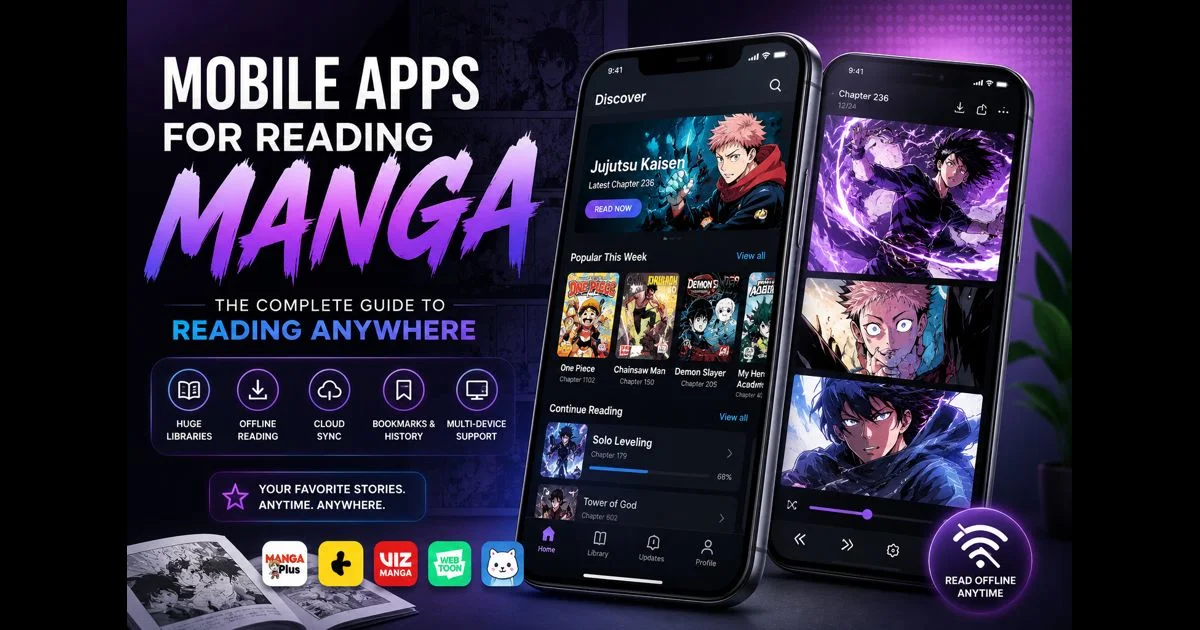
Different apps may offer different features, such as bookmarks, reading history, page direction, offline access, or cross-device synchronisation. These features should be confirmed from the service’s current information rather than assumed from the app name.
Readers can learn more about choosing and comparing mobile manga reading apps when deciding which features are genuinely useful.
Reading Direction and Digital Controls
Traditional Japanese manga is generally read from right to left, although some editions and manga-influenced comics use a different layout. Digital readers may also offer different navigation settings.
On a standard right-to-left page:
- Begin with the right-hand page.
- Start at the upper-right panel.
- Move across the panel group toward the left.
- Continue downward to the next group.
- Follow speech bubbles according to their position.
- Read translated English sentences from left to right inside each bubble.
A phone or tablet may use tapping, swiping, continuous scrolling, or a dedicated right-to-left setting. Readers should follow the controls displayed by the specific application instead of assuming that every platform works in the same way.
This guide to reading manga right to left explains panel order, speech bubbles, double-page spreads, and unusual layouts in more detail.
How to Compare MangaFire With Other Services
A useful comparison should examine transparency and reader needs rather than repeating exaggerated claims.
| Factor | What Readers Should Check |
| Identity | Is the exact website or app operator clear? |
| Source | Does the service explain where its content comes from? |
| Licensing | Are publisher or rights-holder details available? |
| Privacy | Are account requirements and data practices understandable? |
| Security | Does the service avoid suspicious redirects and downloads? |
| Availability | Are language and regional limits explained? |
| Format | Does it support web, mobile, print, library, or digital access? |
| Support | Is there a genuine method for reporting a problem? |
The largest catalogue is not automatically the best option. A service with clear information, understandable policies, and responsible access may be more useful than a platform that makes broad promises without explaining its sources.
A Practical MangaFire Safety Checklist
Before using a MangaFire-related website or app, ask:
- Am I on the correct domain or official app listing?
- Does the developer or operator identify itself clearly?
- Is the privacy policy accessible?
- Are the requested permissions relevant?
- Does the page use unexpected redirects?
- Is a download being requested without a clear reason?
- Are the content source and licensing information explained?
- Can I find the same title through a publisher, library, or recognised digital service?
- Am I being asked for payment details on a clearly identified checkout page?
- Does the service encourage copying or sharing protected chapters?
If several answers create uncertainty, leave the page and research the title through a more transparent source.
Final Thoughts
MangaFire is a name associated with manga, manhwa, and manhua discovery, but readers may encounter different websites or applications using similar branding. The exact operator, content source, licensing position, privacy practices, and security behaviour should therefore be checked separately.
Readers should verify the complete web address, compare app developer information, avoid unexplained downloads, protect account details, and respect the copyright held by creators and publishers. The name of a platform does not by itself prove that it is official, licensed, safe, or connected with another service.
A careful approach helps readers discover manga while reducing confusion and avoiding unnecessary risks. When an authorised publisher, library, bookstore, or recognised digital service is available for a title, readers should consider that option before relying on an unfamiliar website or application.
Frequently Asked Questions
What is MangaFire?
MangaFire is a name associated with online manga, manhwa, and manhua searches. Depending on the result, it may refer to a website or an application. Readers should verify the exact domain and developer details before using it.
Is MangaFire an official manga platform?
The name alone does not prove that MangaFire is an official publisher or licensed distributor. Check for clear publisher, operator, and licensing information before making that assumption.
Is MangaFire safe?
Safety depends on the exact website or application and its current behaviour. Readers should watch for suspicious redirects, unnecessary permissions, unexplained downloads, and unclear payment pages.
Does MangaFire have an official app?
Search results may show applications using the MangaFire name, but a similar name does not automatically prove that an app belongs to a particular website or publisher. Check the developer, privacy policy, and official website details.
Can I download manga from MangaFire?
Readers should not download or share unauthorised copies of copyrighted manga. Use downloads only when they are clearly provided through a recognised publisher, library, or authorised digital service.
What should I do if a MangaFire page asks me to install software?
Do not install unrelated software, browser extensions, or modified applications merely to view a manga page. Close the page and use a recognised source for the title instead.
How can I read manga responsibly online?
Start with the title and publisher, verify authorised access options, protect personal information, avoid suspicious downloads, and do not copy or redistribute manga chapters without permission.